
Getting started
Create your account and log in
You need an account to use BlackAha. Signing up takes a minute: enter your email, choose a password and confirm your email with a code. You can also sign up with your Google account.
Before you start
- An email address you can open right now, or a Google account.
Sign up with your email
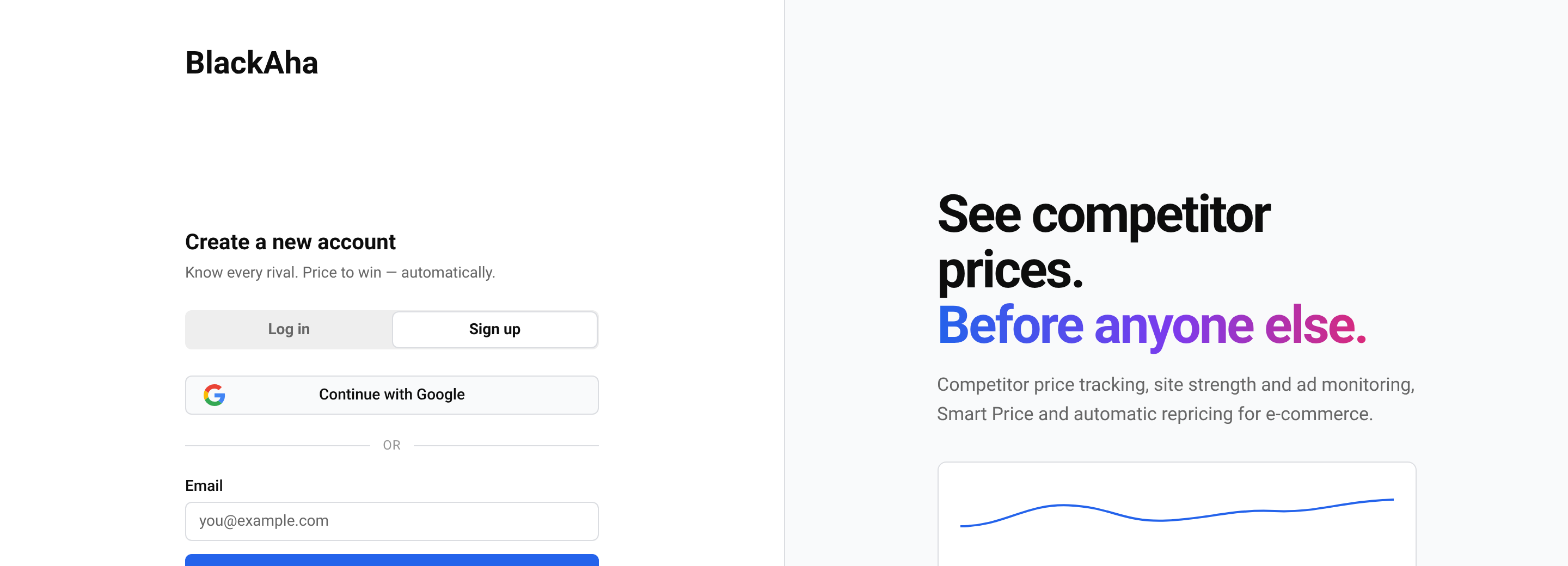
Open the sign-up page
Go to the sign-up page.
Enter your email
Type your Email and press Continue.
Choose a password
Type a Password and type it again in Confirm password. Use at least 8 characters, including a number. Then press Sign up.
Confirm your email
BlackAha sends you an email with a code. Type the code and press Verify. You are logged in straight away.
Tip No email after a few minutes? Check your spam folder, then press Send a new email. Only the newest email works. If the email contains a link instead of a code, just open the link.
Sign up with Google
On the sign-up or log-in page, press Continue with Google and pick your Google account in the window that opens. You do not need a separate BlackAha password.
Log in
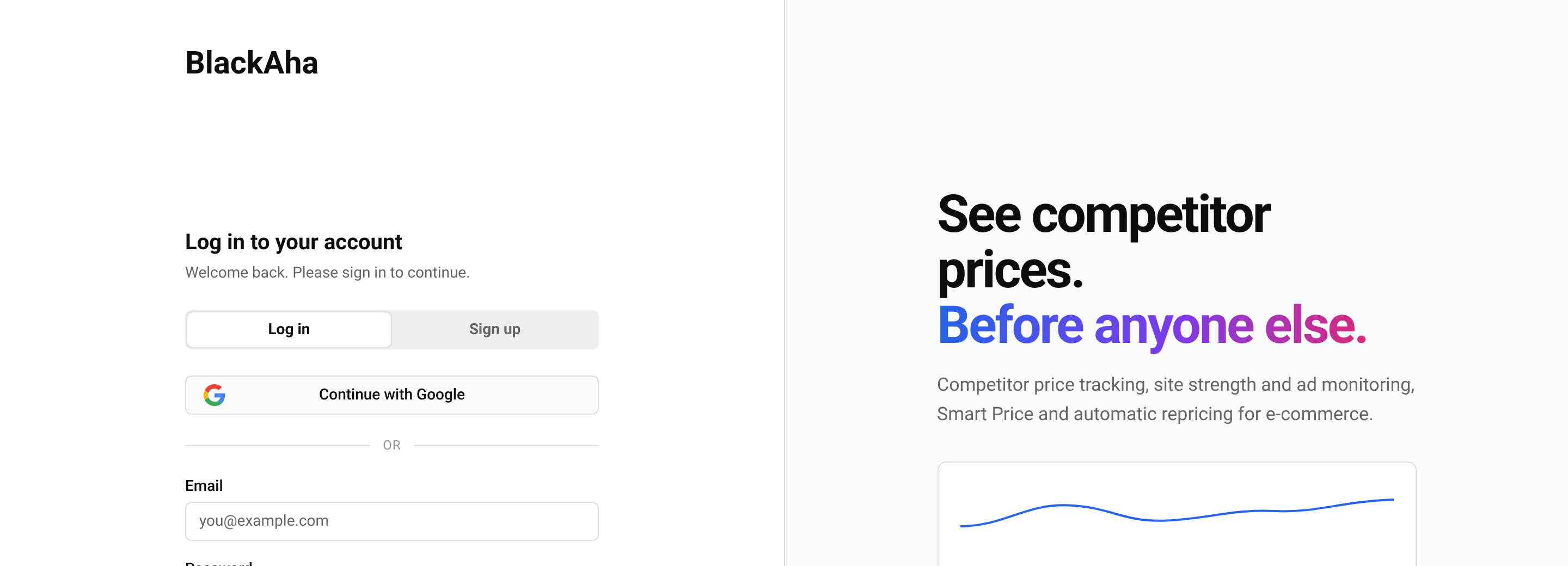
Open the log-in page
Go to the log-in page.
Enter your details
Type your Email and Password, then press Log in. If you signed up with Google, press Continue with Google instead.
If you never confirmed your email, the log-in page asks for the code from the email first. You can request a new one there.
After logging in, a short Guided Setup helps you get started. See Set up your workspace.
Forgot your password?
Ask for a code
On the log-in page, press Forgot your password?. Type the email of your account and press Send code.
Enter the code
Type the code from the email and press Verify code.
Set a new password
Type your New password twice and press Reset password.
Important After a reset, you are logged out on every device. Log in again with the new password.
The code works for a limited time. If it has expired, press Start again to get a new one.
Questions
I typed the right password but cannot log in.
Check for typing mistakes in the email, then reset your password. If you signed up with Google, use the Google button instead.
Can I change my password once I am logged in?
Yes. See Update your profile and password.
Do I need a credit card to sign up?
No. You can start the free trial without payment details. See Manage your plan and payments.
Google says an account with this email already exists. What now?
You first created your account with an email and password, so BlackAha asks you to keep using them: “An account with this email already exists. Sign in with your email and password.” Log in with your email and password. Forgot the password? Reset it from the log-in page.
Related guides
Still stuck?
Open Support in the app and our team will reply there. You can also email our support team; the address is at the bottom of every page.
 English
 ไทย
 Tiếng Việt
 한국어
 日本語
 简体中文
 Français
 Deutsch
 Русский
 Italiano
 Polski
 Español