
Fix a problem
Report a wrong price or a link problem
Store pages are all built differently, and now and then BlackAha reads a price wrongly or stops getting one. When that happens, report the link. Our team checks it and fixes how that page is read, which keeps your comparisons trustworthy.
Before you start
- The link you want to report, already added to a product.
When to report
- The price in BlackAha is different from the price you see on the store page.
- The link stays on No result yet for a long time.
- The price has not changed for a long time, although the store changed it.
- BlackAha reads the wrong product or the wrong option on the page.
Tip First open the page yourself. Is it the same product, in the same size or version? If the link itself is wrong, simply remove it and add the right one, see Add, pause and remove competitor links. If the page has moved or no longer exists, see Fix broken and redirected links.
Send a report
You can report a link from three places. They all send the same report:
- Products: open the link’s menu and choose Report issue. A link without a result also shows Report this URL.
- The product page: open the menu on the link’s card and choose Report issue.
- Price history: open the row’s menu and choose Report issue.
Confirm in the window that opens. A message confirms that your report was sent.
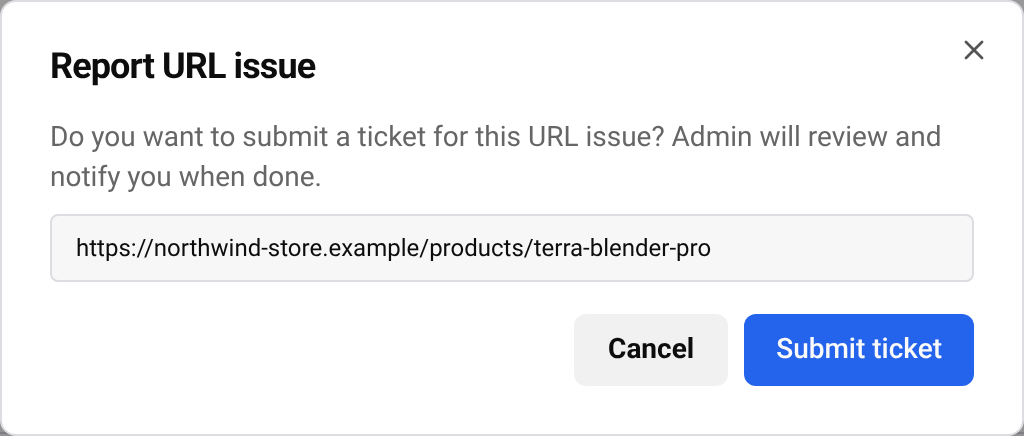
Tip You can have one open report per link. If you already reported it and it is still open, there is no need to send it again.
Follow your reports
Go to URL DashboardURL Report to see all your reports. Search by address or product code, or filter by status:
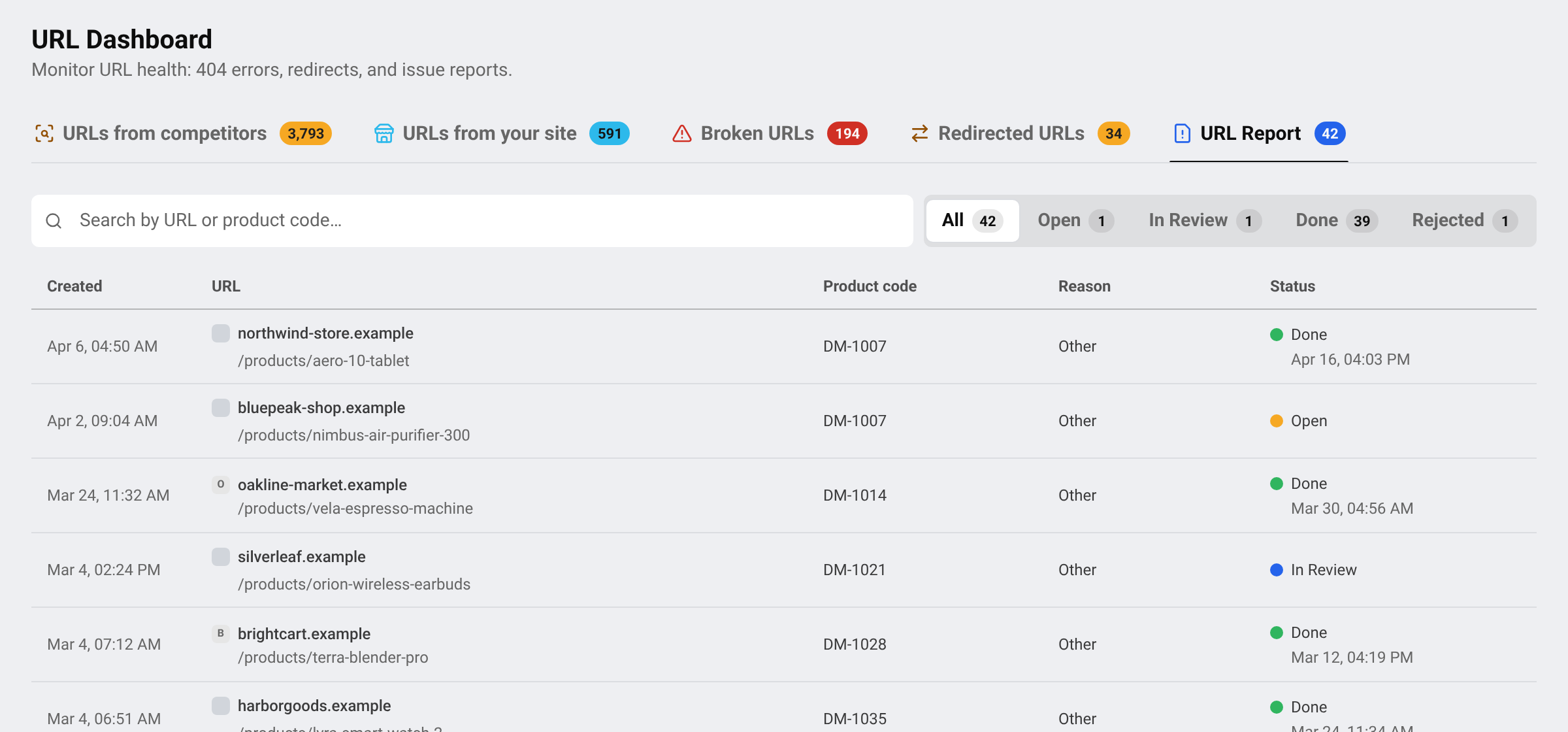
- Open: received, not picked up yet.
- In Review: our team is working on it.
- Done: fixed. You also get a notification, sometimes with a note from our team.
- Rejected: our team closed the report without a change. If you still think the price is wrong, contact support.
After a fix, the correct price appears on the next check of the link.
Questions
Can I explain the problem in my report?
The report only sends the link. If you need to explain more, contact support and mention the link.
Does reporting pause the link?
No. The link keeps being checked while our team looks at it.
Related guides
Still stuck?
Open Support in the app and our team will reply there. You can also email our support team; the address is at the bottom of every page.
 English
 ไทย
 Tiếng Việt
 한국어
 日本語
 简体中文
 Français
 Deutsch
 Русский
 Italiano
 Polski
 Español