
Account, team and billing
Contact support
Stuck, or something looks wrong? Open a support ticket from inside the app. You write to the team in a chat, and their replies appear in the same place.
Before you start
- You are logged in. See Create your account and log in.
Open a ticket
Go to Support
Open the account menu at the bottom of the left menu and choose the support item, or go straight to the Support page.
Start a ticket
Press New ticket.
Describe the problem
Give it a short Subject. In Message, say what happened and what you expected. Add the product code or the link involved, if there is one.
Send it
Press Open ticket. You get a notification when the team replies.
Tip You can have only a few tickets open at the same time. The page shows how many you have open. If you reach the limit, add your new question to an open ticket, or wait until one is resolved.
Follow and reply
Your tickets lists every ticket with its status. Select one to read the conversation and write a reply.
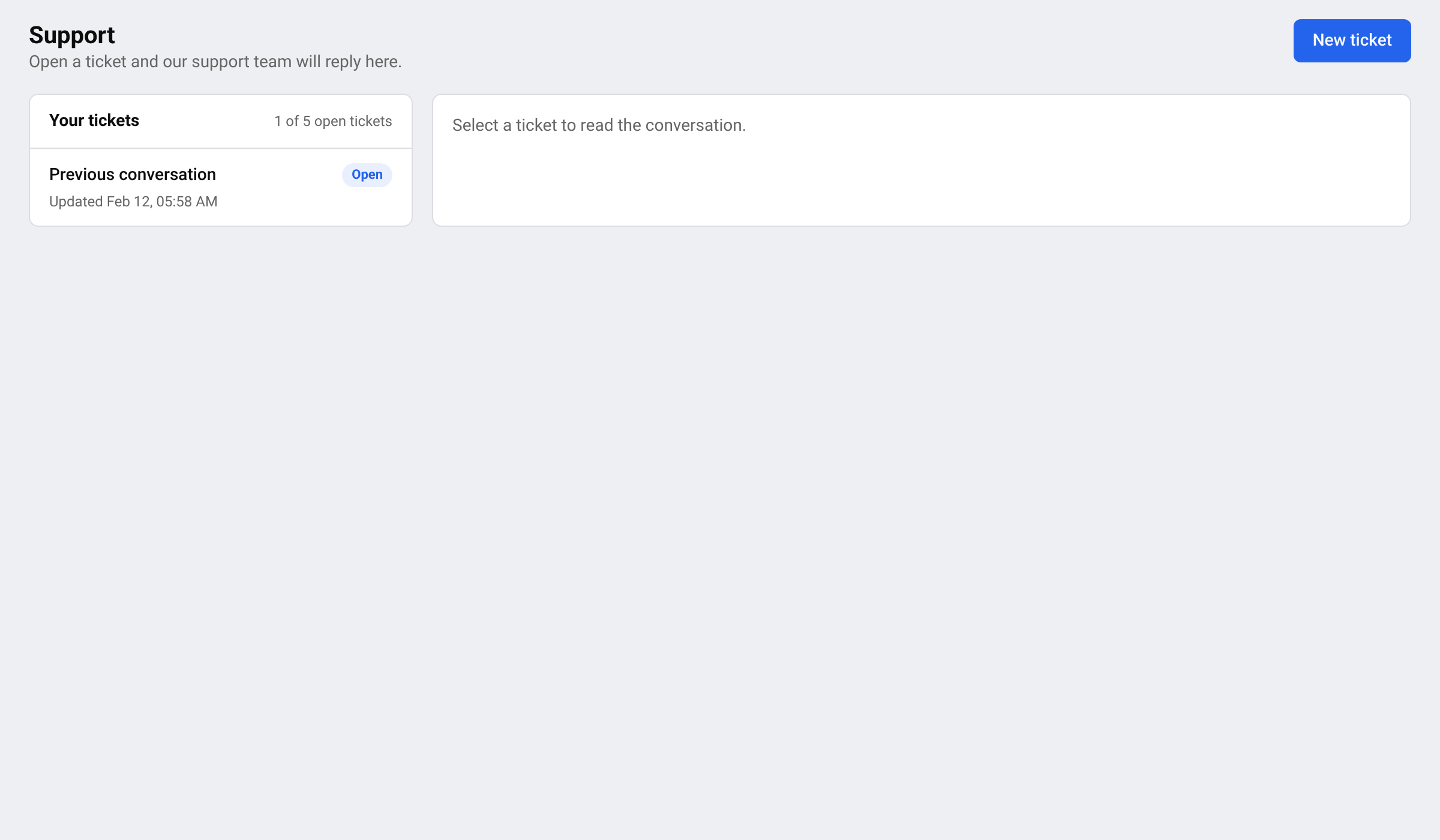
- Open: Waiting for our support team.
- In progress: Our support team is working on it.
- Resolved: Marked as resolved. Reply if you still need help — the ticket will reopen.
- Closed: This ticket is closed. Open a new ticket if you need more help.
Reach support by email
In-app chat depends on your plan. If the Support page shows a lock, it also shows the support email address. Write to that address instead. You can compare plans on the pricing page.
Before you write
Many questions are answered in these guides:
- A price looks wrong: Report a wrong price or a link problem.
- No prices yet: Prices are not showing yet.
- Payments and plans: Manage your plan and payments.
Questions
How fast will I get an answer?
The team replies in the ticket as soon as they can. You get a notification when they do, so you do not need to keep the page open.
My ticket was closed but I still need help.
Open a new ticket and mention the old one.
Related guides
Still stuck?
Open Support in the app and our team will reply there. You can also email our support team; the address is at the bottom of every page.
 English
 ไทย
 Tiếng Việt
 한국어
 日本語
 简体中文
 Français
 Deutsch
 Русский
 Italiano
 Polski
 Español