
Alerts and notifications
Get a daily email summary
Instead of one email per change, BlackAha collects the day’s alerts into one summary email for each member of your workspace. You choose the hour it goes out.
Before you start
- BlackAha open at SettingsNotification. The daily summary email is included in every plan.
Choose when the summary is sent
Open the email settings
In SettingsNotification, press Configure on the Email line.
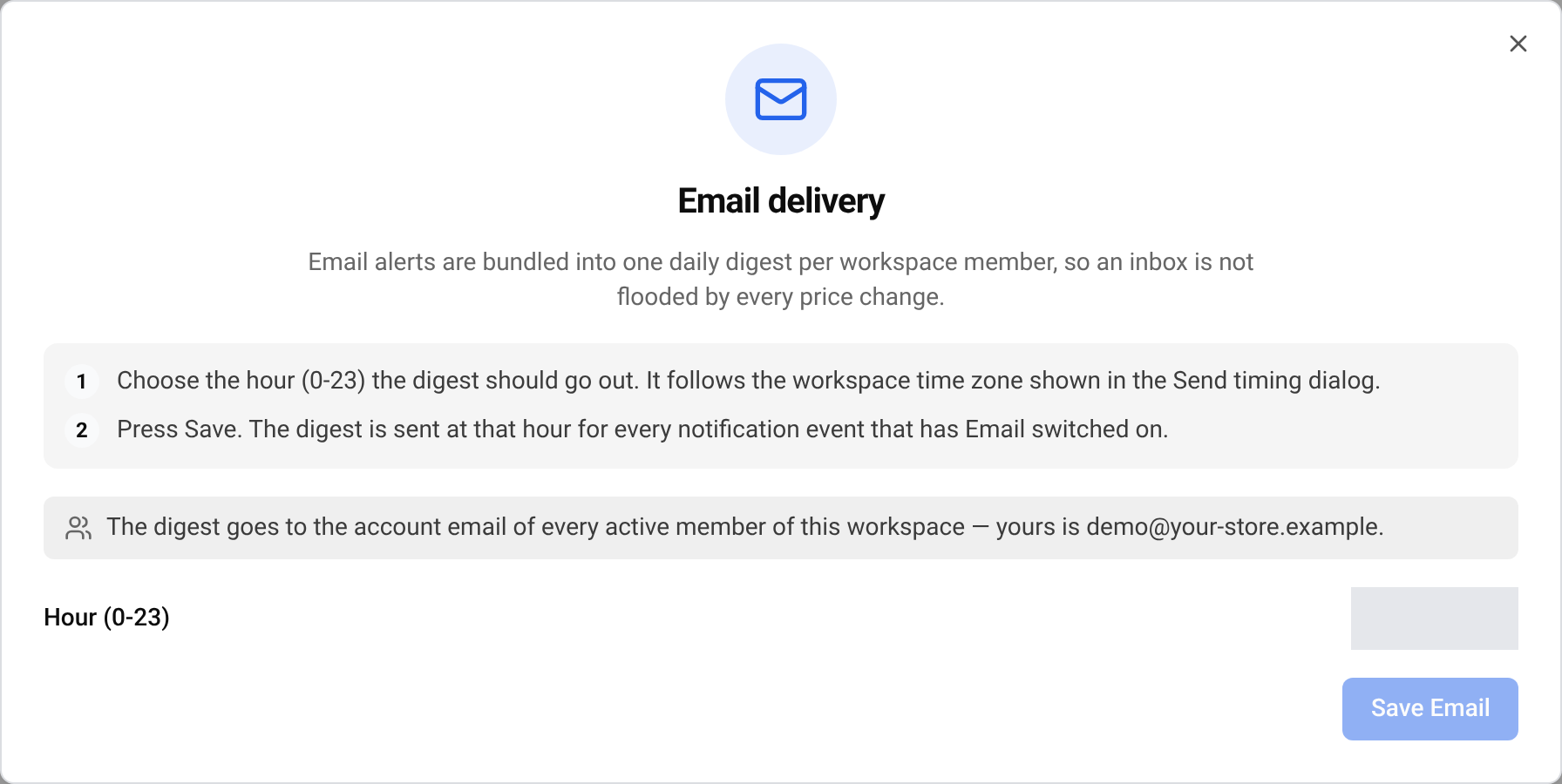
Pick the hour
Choose the hour in Hour (0-23). The hour follows your workspace time zone.
Save
Press Save.
Choose what is included
On each card, such as Price & stock changes, turn on the Email switch. Only cards with Email switched on go into the summary.
Who receives it
The summary goes to the account email address of every active member of the workspace. The email window shows the address it uses for you.
What is in the email
Each alert since the last summary is listed with its title, its details and when it happened. A day with no alerts sends no email.
If the email does not arrive
- Wait until the hour you chose. The summary is never sent straight away.
- Check that the Email switch is on, on the right cards.
- Look in your spam or promotions folder, and add the sender to your contacts.
- If nothing changed that day, there is nothing to send.
Questions
Can I get each change by email straight away?
No. Email always comes as one daily summary. For instant alerts use a chat app, for example Telegram or Slack.
Are payment emails part of the summary?
No. Important billing emails are sent on their own, straight away.
Related guides
Still stuck?
Open Support in the app and our team will reply there. You can also email our support team; the address is at the bottom of every page.
 English
 ไทย
 Tiếng Việt
 한국어
 日本語
 简体中文
 Français
 Deutsch
 Русский
 Italiano
 Polski
 Español