
Magento 2 competitor-based pricing works when a tool sets each price from rival prices and Magento shows it as intended. Four Magento mechanics decide that: special versus regular price, Catalog Price Scope, the price indexer with cron, and the child SKUs of configurable products.
Editing prices by hand cannot keep up once rivals change prices several times a week. Automation fixes the speed. But if the Magento side is set up wrong, the new price is saved and shoppers still see an old one. This guide shows where that happens and how to avoid it.
Why do automated prices go wrong on Magento 2?
Because Magento holds more than one price per product, and settings decide which one a shopper sees. Take an example store: an electronics shop on Magento Open Source with two websites, one per country. Its cron runs once a night, and it often runs promotions with catalog price rules.
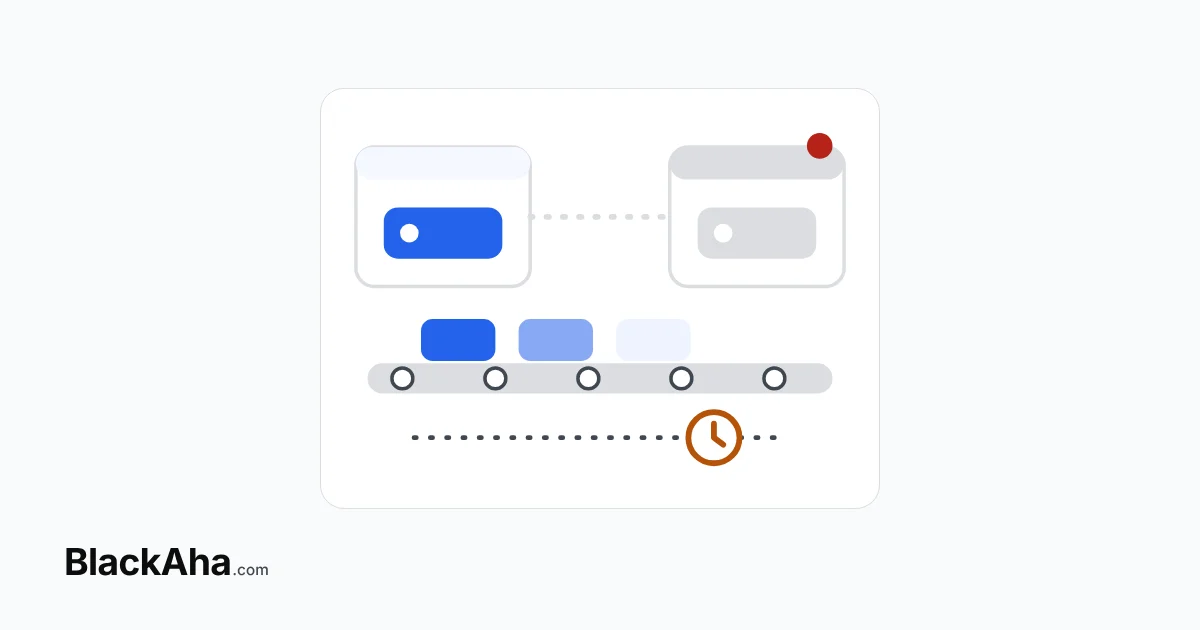
That store meets four problems at once. A rival-based price can be hidden by a running promotion. A price can reach both websites when only one was meant. Category pages can show yesterday’s price until the nightly cron. And a price sent to a configurable product’s parent does nothing at all.
How does Magento decide which price a shopper sees?
It shows the lowest valid price. Adobe’s documentation on special prices gives the rule: the final price is the minimum of the regular price, tier price, special price and catalog price rule. During its dates, a special price appears instead of the regular price, with the regular price noted after it.
So the field your new price lands in matters. The BlackAha Magento module handles it this way: a price lower than the regular price becomes the special price. A price at or above the regular price becomes the regular price, and the special price is removed.
Worked example: one speaker, three outcomes
The figures are illustrative, in USD, for example only. A speaker has a regular price of $249.00. The rule is “lowest competitor price − 2%”.
- Rival at $239.00. The rule asks for $239.00 × 0.98 = $234.22. That is below $249.00, so it is saved as the special price. Shoppers see $234.22.
- Rival at $259.00. The rule asks for $253.82. That is above $249.00, so it becomes the new regular price and the special price is removed.
- A 10% catalog price rule is running. It lowers $249.00 to $224.10. Magento shows the lowest valid price, so shoppers see $224.10, not the $234.22 special price.
The third case is how automation “breaks” a promotion, or the other way round. Decide per product group which one should win. Our guides cover choosing between a special and a regular price for automatic updates and how catalog price rules interact with rival-based special prices.
Which Magento settings change the result?
Five settings decide whether an automated price reaches the right page, on the right website, on time. Check each one before you turn automation on.
| Setting | Options | Effect on automated prices | What to do |
|---|---|---|---|
| Catalog Price Scope | Global or Website | Global: one price for every website. Website: each website can hold its own price. | Use Website if each country has its own rivals. |
| Price indexer mode | Update on Save or Update by Schedule | By Schedule: category pages and search change after the next cron run. | Match the mode to how often prices change. |
| Cron | Your schedule | A nightly cron leaves category pages a day behind. | Run cron often. Adobe’s sample runs it every minute. |
| Product type | Simple or configurable | A configurable parent’s price is overridden by its child products. | Price the child simple SKUs. |
| Base currency | Per scope | The module never converts or rounds prices. | Keep the BlackAha workspace in the same currency. |
Adobe documents each point. Catalog Price Scope is Global by default, and prices can be set per website but not per store view. In Index Management, Update by Schedule updates the index according to a cron job. Adobe’s cron guide says indexing depends on cron. The configurable product page says the parent price is overridden by the child product prices.
For the example store, that means three changes. Set the scope to Website, so each country site can follow its own rivals. See our guide to pricing each country website against local rivals. Then pick an indexer mode that suits frequent price changes, explained in choosing a Magento indexer mode for repricing. Finally, map rivals to the simple-product SKUs behind configurable products.
How do you set up competitor-based pricing on Magento 2?
- Give every product you want to update a SKU. For configurable products, use the child SKUs.
- Check Catalog Price Scope. With Website scope, choose which website gets price updates in the module settings.
- Make sure Magento cron runs, and set the price indexer mode.
- List the catalog price rules that run on the same products, and decide which should win.
- Link each product to the rival pages you want to follow.
- Write the pricing rule, with a minimum price, and preview it before saving.
- Watch the first updates and confirm what shoppers see on product and category pages.
How BlackAha helps
BlackAha.com checks competitor prices automatically with Price Tracking and keeps every change in Unlimited Price History. Dynamic Pricing turns those prices into new prices with rule sets: Scope, References, Conditions & actions, and Guardrails. Guardrails, such as a Minimum price, are always applied last. Preview products in scope shows each final price before anything is saved.
The BlackAha Pricing Updater module for Magento 2.4 connects your store through Store Platform Integration. It matches products by SKU and applies the special price logic above. As soon as an update arrives, it reindexes the price and clears the affected product pages from the page cache. A price sent twice is applied once. Every result is reported back to the price update history as Updated or Failed.
One detail matters for rule design. The module never rounds prices, and a price with more than two decimals is reported as not applied. So set a Rounding option in the rule set, as described in creating a pricing rule.
Key takeaways
- Magento shows the lowest valid price among regular, tier, special and catalog rule prices.
- A running catalog price rule can hide a rival-based special price. Decide which one wins.
- Use Website price scope when each country site has its own rivals.
- With Update by Schedule, category pages follow after the next cron run, so run cron often.
- Price configurable products through their child simple SKUs.
Frequently asked questions
Will an automatic price cancel my special price?
With the BlackAha module, only when the new price is at or above the regular price. Then it becomes the regular price and the special price is removed. A lower price replaces the special price.
Why does the product page show the new price but the category page does not?
The price indexer is probably set to Update by Schedule. Category pages and search follow after the next cron run. Run cron more often, or review the indexer mode.
Can each Magento website have its own competitor-based price?
Yes, if Catalog Price Scope is set to Website. Magento does not allow a separate price per store view. With Global scope, one price applies to every website.
How do I reprice a configurable product?
Price its child simple products by their SKUs. Magento overrides the parent price with the child prices, so a price on the parent alone does not change what shoppers see.
Pick ten products with the most active rivals, check the five settings above, and run one rule set in preview first. You can try BlackAha on your own Magento store.
 English
 ไทย
 Tiếng Việt
 한국어
 日本語
 简体中文
 Français
 Deutsch
 Русский
 Italiano
 Polski
 Español