
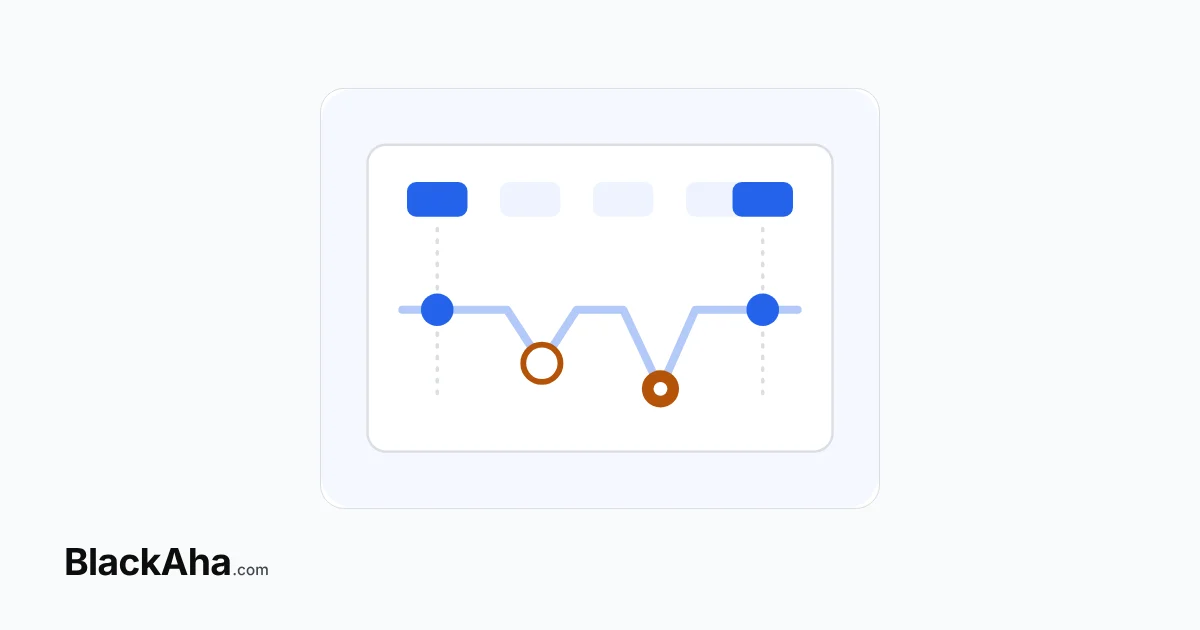
Checking competitor prices by hand stops working when rivals change prices between your checks, when you need to know what a price was last month, or when there are more pages than hours. At that point, manual vs automated competitor price checks is no longer a close call.
Manual checks feel safe because you see every number yourself. The risk is what you do not see. A missed price drop costs sales, and the spreadsheet gives no sign that anything happened. This guide names the breaking points, so you can tell whether you have reached them.
What does a weekly manual check miss?
It misses every change that starts and ends between two checks. Here is a common routine, with illustrative figures in USD, for example only. A seller opens ten rival product pages every Monday and copies the prices into a spreadsheet.
- Monday: the main rival sells a blender at $120. The seller’s price is $118, so the sheet says “cheapest”.
- Tuesday: the rival cuts 10%, to $108. The seller is now $10 dearer.
- Saturday: the rival goes back to $120.
- Next Monday: the sheet shows $120 against $118 again. Four days of a cheaper rival never appear.
Sales of the blender dipped that week, and the sheet cannot explain why. The seller may blame ads or the season and change the wrong thing. This is the quiet cost of manual tracking: it does not show the problem, so nobody fixes it.
Where does manual price tracking break?
Use this checklist. If two or more points are true for your store, hand checks are no longer enough for competitor monitoring.
- Changes fall between checks. Your rivals move prices more often than you look.
- You have no real history. Each check overwrites the last cell, so you cannot tell a short dip from a new normal.
- You cannot say who moved first. Did a rival undercut you, or follow you down? Without timed records, every price war looks the same.
- Variants and stock hide the real price. One page can show several sizes, or a low price on an item that is out of stock.
- Your price stays high without anyone noticing. With no alert, a price that was right last month can sit above the market for weeks.
- It all depends on one person. When they are busy or on holiday, nobody checks.
How much time does checking by hand really take?
More than it seems, because time grows with pages and checks together. The table assumes 3 minutes per page to open, find the price and type it in, for example only.
| Rival pages | Checks per week | Time per week | Still workable by hand? |
|---|---|---|---|
| 10 | 1 | 30 minutes | Yes, if rivals rarely change prices |
| 10 | 7 (daily) | 3.5 hours | Barely, and changes within a day are still missed |
| 40 | 5 (weekdays) | 10 hours | No: a large part of someone’s week |
| 150 | 1 | 7.5 hours | No: slow, and a week between checks |
Checking more often does not fix the gap. It only makes it smaller and more expensive. The real limit is that a person samples prices, while the market moves all the time.
Which tracking approach fits your store?
Manual checks still fit a small catalog with few, slow rivals. Past that, compare your options before you pay for anything. Our guides cover copy-paste checks, browser add-ons and dedicated software side by side, and outsourcing price checks or keeping them in-house.
Before you buy, learn how a tool reads rival prices. Most trackers read public product pages, a form of web scraping. If you wonder whether rivals already use software, read our answer on whether competitors watch the market with tools. When you switch, keep your work with our steps for moving from a price spreadsheet to software.
How BlackAha helps
BlackAha.com answers each breaking point with a matching tool. Price Tracking checks rival product pages automatically, including variants and stock status. Price Change Alerts tell you when a rival raises or cuts a price, by Email, Slack, Telegram, WhatsApp or Lark. In the blender example, the Tuesday cut would trigger an alert once detected, instead of never showing up.
Unlimited Price History keeps every change with its date, so you can see who moved first and whether a dip lasted. Price Comparison Charts show those moves side by side. Domain Strength scores each rival from 0 to 100, and Ad Tracking shows whether it runs Google Ads or Meta Ads. Together they tell you whether a cut from that rival is likely to reach your buyers.
To catch prices that sit too high, Smart Price recalculates daily and shows how far each product is above or below its recommendation. For side-by-side comparisons with named tools, see our comparison pages.
Key takeaways
- A weekly check misses every price change that starts and ends between two checks.
- Without dated history, you cannot tell a short dip from a new normal, or who moved first.
- Hand-check time grows with pages × checks, and checking more often never closes the gap.
- If two or more breaking points apply, move to automated tracking with alerts.
Frequently asked questions
How many competitor pages can I track by hand?
It depends on how often rivals change prices. At 3 minutes a page, ten pages once a week take 30 minutes. Ten pages a day already take 3.5 hours a week and still miss changes within the day.
Is a spreadsheet enough to keep price history?
Only for the moments you checked. It records samples, not every change, so a dip between two checks leaves no trace.
Will checking every day solve the problem?
It shortens the gap but costs far more time. Changes within a day are still missed, and you still depend on one person doing it.
What should I check before moving to software?
Whether it keeps full price history, handles variants and stock, sends alerts to the channels you use, and shows how strong each rival is.
Look back at last month’s sales dips and ask whether your sheet can explain them. If not, you can try BlackAha on the same ten products.

 English
 ไทย
 Tiếng Việt
 한국어
 日本語
 简体中文
 Français
 Deutsch
 Русский
 Italiano
 Polski
 Español