
To choose a competitor price tracker, first decide what it must do: watch rivals, suggest prices, or change your prices. Then test it on what decides results: exact matches, how strong each rival is, whether they advertise, and safe limits on every automatic change.
Picture a store with 300 products and five rivals it already knows. The owner books three demos and hears the same promise each time: we track competitor prices. That part is now standard. The real differences are in what the data tells you next, and whether you can act on it safely.
Our dictionary explains what a price monitoring tool is. This guide is about choosing one.
What do you need a price tracker to do?
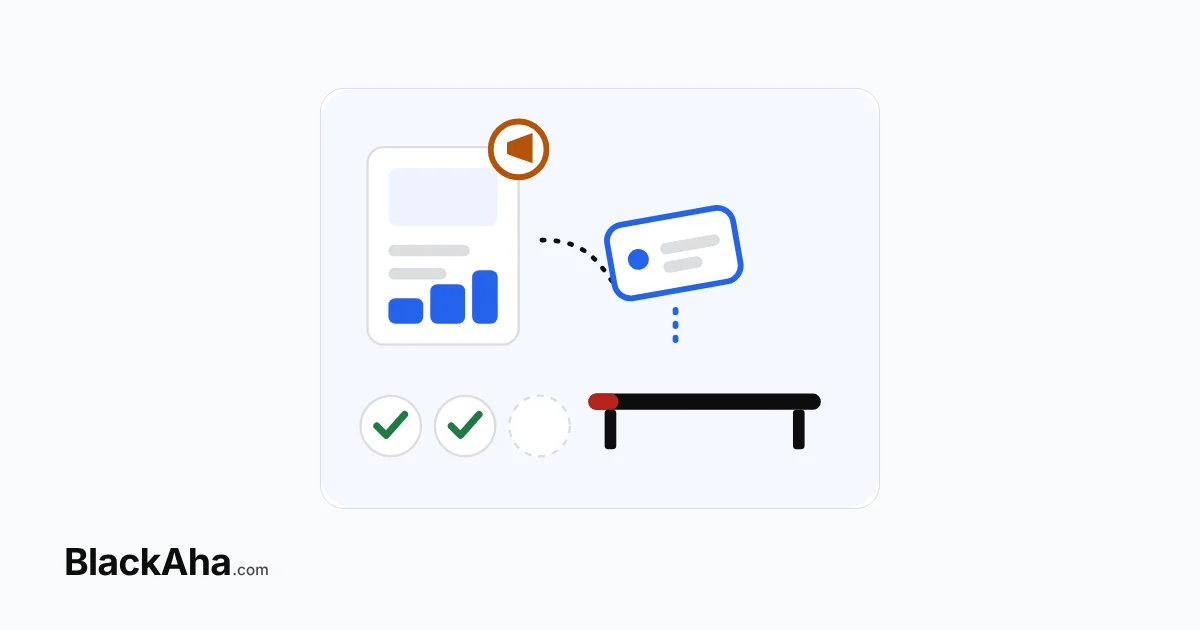
Start with the job, not the feature list. Most stores need one of three levels, and each level depends on the one before it.
- Watch. You see rival prices, stock and changes, then decide by hand. Accurate matches and useful alerts matter most.
- Recommend. The tool suggests a price for each product. Now it must also judge which rivals count, and offer more than one pricing style.
- Act. Prices change on your store by rule. Now safety limits and a preview matter more than anything else.
Not sure which level fits? Our guide to choosing between a tool that watches and one that reprices walks through the trade-off. It also helps to know what a store connection adds, since only the Act level needs one.
Which criteria separate one price tracker from another?
Hold every tool to the same bar. The table lists what to test and how BlackAha meets each point, so you can compare others against it.
| Criterion | What to test | How BlackAha meets it |
|---|---|---|
| Exact matches | Is each price for the same item, size and colour, and is it in stock? | Price Tracking records stock status. Variant Detection keeps each size or colour apart. |
| Rival strength | Can the tool tell a tiny shop from a market leader? | Domain Strength scores each rival from 0 to 100 across five levels, within your country market. |
| Ad activity | Can you see who pays to reach buyers? | Ad Tracking shows whether each rival runs Google Ads or Meta Ads, with ad history. |
| Price suggestions | Do you get more than one pricing style? | Smart Price gives Aggressive, Balanced and Premium recommendations, recalculated daily. |
| Safe automation | Do limits apply after every rule, with a preview? | Dynamic Pricing always applies guardrails last and shows final prices in Preview. |
| Alerts | Do alerts reach the channel your team already reads? | Price Change Alerts go to email, Slack, Telegram, WhatsApp or Lark. |
| Setup effort | How long until every product is tracked? | Competitor Discovery finds rival pages. Product Feed Sync reads your Google Shopping or Facebook catalog feed. |
Why do rival strength and ad activity matter so much?
Because the same price cut means different things from different rivals. A small shop with few visitors and no ads can sit below you for months and cost you little. A strong store that advertises the same cut can take sales within days.
A tool that shows only prices treats both rivals the same. You then react to every move, or you miss the one that matters. Domain Strength and Ad Tracking put that context next to the price. BlackAha builds the strength score from several data sources. It keeps checking a rival’s ads for as long as you track that rival’s products. For more, see our guide on rival strength scores as a buying criterion.
How do you know automatic repricing is safe?
Ask what happens when a rule asks for a bad price. Take the example rule shown in the app, “lowest rival price minus 2%”. It follows a rival all the way down unless something stops it. That something is a guardrail: a limit checked after the rule runs. Look for four things:
- limits, such as a minimum price, that apply after every rule;
- a preview of each final price before anything is saved;
- a record of every price the tool sent to your store;
- rules you can limit to a category, a brand or single SKUs.
In BlackAha Dynamic Pricing, a rule set has four parts: Scope, References, Conditions & actions, and Guardrails. Rules are checked from top to bottom. If none applies, the current price is kept, and guardrails still apply. New prices reach WooCommerce, Magento and OpenCart stores through a plugin, and each one is kept in the price update history.
What should you test before you choose a competitor price tracker?
Run the same test on every tool, with your own products. Pick ten best sellers and your three closest rivals. Then work through this checklist.
- Add the products and note how long it takes until every rival price shows. The setup work grows with your range, as our guide to matching a tool to your catalogue size explains.
- Open five matches. Check the item, the variant and the stock status.
- Check what the tool says about each rival: how strong it is, and whether it advertises.
- Compare the suggested prices with the price you would pick yourself.
- Write one rule with a floor. Preview it on a product where the rule should hit that floor.
- Leave alerts on for a week. Count how many led to a decision. Our checklist for judging alert quality while you test a tool helps here.
For side-by-side views of named tools, see our comparison pages.
How BlackAha helps
BlackAha.com tracks competitor prices for online stores and helps you set your own. It covers all three levels in one place: tracking with stock and variants, Smart Price recommendations, and Dynamic Pricing with guardrails. What sets it apart is the context around each price: how strong the rival is, and whether it is paying for ads. See all features.
Key takeaways
- Decide the level first: watch, recommend or act. Each level needs the one before it.
- Every tool tracks prices. Compare what comes with the price: exact matches, rival strength and ad activity.
- For automatic repricing, insist on limits that apply after every rule, plus a preview.
- Test every tool on the same ten products and the same rivals.
Frequently asked questions
What matters most in a competitor price tracker?
Accurate matches come first, because every other feature depends on them. After that, it depends on the level you need. For price suggestions and automation, rival strength and safe limits matter most.
Do I need a tool that changes prices automatically?
Not always. With few products and time to decide by hand, tracking and alerts may be enough. Automation pays off with many products or rivals that move often. If you automate, use guardrails.
How many products should I use to test a tool?
About ten best sellers and your closest rivals. That is enough to check matches, alerts and suggested prices, and small enough to check by hand.
Can a price tracker tell me which competitors matter?
Some can. BlackAha Domain Strength scores each rival from 0 to 100 across five levels, and Ad Tracking shows whether it runs Google Ads or Meta Ads.
Pick your ten products and three rivals, and run the checklist above. You can try BlackAha on your own products.
 English
 ไทย
 Tiếng Việt
 한국어
 日本語
 简体中文
 Français
 Deutsch
 Русский
 Italiano
 Polski
 Español