
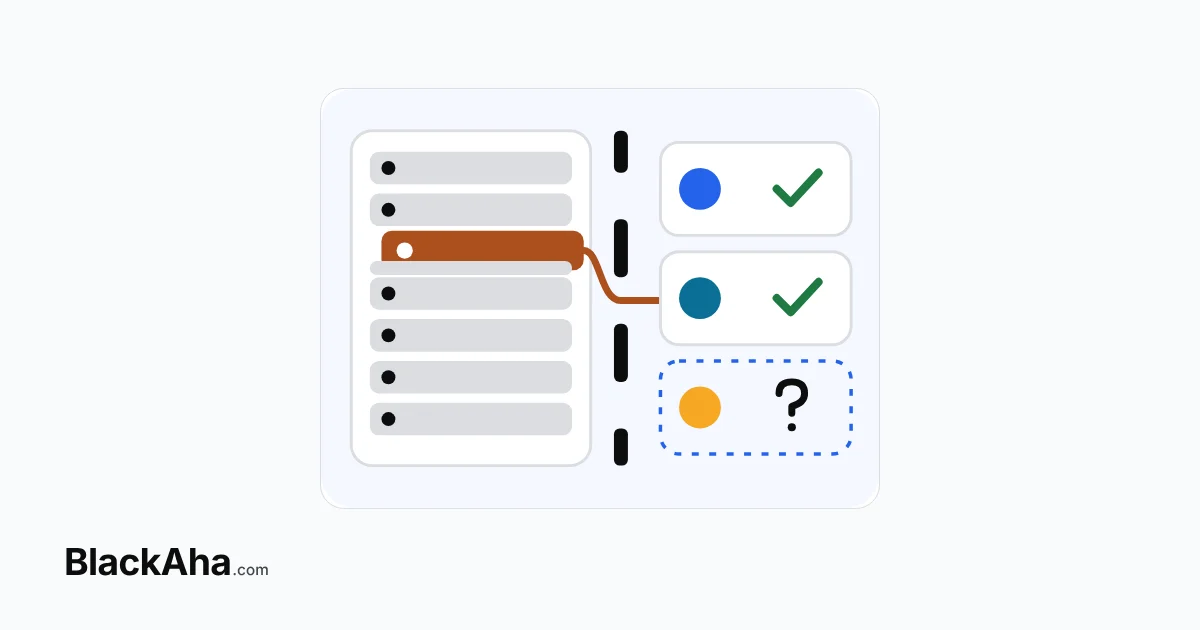
A good competitor price alerts setup sends few alerts and gives each one an owner and a next step. Choose the products, rivals, change size and channel first. Then decide who acts and what they do.
Picture a store with 200 products and a few tracked rivals. It gets 48 price alerts a day, and the team stopped reading them weeks ago. Then a rival cuts a bestseller by 10%, and nobody notices for two days. An alert nobody reads costs more than no alert.
Why do price alerts get ignored?
Alert fatigue usually has three causes.
- Too much noise. Every product and every small move sends a message.
- No owner. Everyone sees the alert, so nobody feels it is theirs.
- No next step. The alert says a price changed, but not what to do about it.
The fix is not another tool. It is a short written policy that answers each cause before an alert is sent.
How do you do a competitor price alerts setup that works?
Make six decisions, in this order. Write each answer in one line.
- Products. Pick the ones where a rival’s move changes your sales, such as bestsellers and high-margin items. Leave the long tail for a weekly look.
- Rivals. Keep the ones your customers really compare you with. If a rival is often out of stock, read about setting a rule that only counts in-stock pages.
- Change. Decide which size of move counts, for example 2% or more. Smaller moves are noted, not acted on.
- Channel. Send each alert to a place its owner already checks.
- Owner. Name one person for each product group. This guide explains routing price alerts to the right person on your team.
- Next step. Write the default action: match, hold, or check first.
What does this change in practice?
Take the store above, as an illustration. It starts with 48 alerts a day. Each of the first three decisions removes a slice.
Here is the arithmetic. 30 of the 48 alerts were about long-tail products, so they go to a weekly review: 48 − 30 = 18. Of those 18, 8 came from minor rivals: 18 − 8 = 10. Of those 10, 4 were moves under 2%: 10 − 4 = 6. Six alerts a day is a list one person can read and act on.
The other 42 alerts are not lost. The long-tail ones are read once a week, and the small moves stay in the record. Nothing is deleted. It only moves to a calmer rhythm, so the daily list stays short enough to trust.
Which channel fits which alert?
BlackAha can send alerts by Email, Slack, Telegram, WhatsApp and Lark/Feishu. Pick by how fast someone must react, not by habit.
| Alert | Reaction needed | Channel to try |
|---|---|---|
| A key rival undercuts a bestseller | Same day | Slack or Telegram, where the team already talks |
| Many small moves in one category | Wöchentlich | Email, read in one sitting |
| The owner is often away from a desk | Same day | WhatsApp, on the phone |
| The team works in Lark/Feishu | Same day | A Lark/Feishu chat |
The help center shows how to set up price change notifications. To choose between instant messages and a summary, see picking instant alerts or a daily digest by product type.
What should the owner do when an alert arrives?
Give every alert a default action, so the owner never starts from zero. Keep it to three options.
- Match. Follow the rival’s price, if it stays above your floor.
- Hold. Keep your price because the move is small or the rival is not a real match.
- Check first. Look at stock and price history before you decide.
Write the defaults next to each product group. For example, a bestseller with a healthy margin may default to check first, while a clearance item may default to hold. The owner can always override the default. But with one in place, no alert sits waiting while people wonder what to do.
A short routine makes this faster. Our short response playbook for a price alert is one example.
How do you keep the setup working?
Review it once a month. Count the alerts and how many led to an action. If fewer than one in four did, for example, tighten the products, rivals or change size. Every alert needs an owner and a next step.
Before you switch alerts on, check this list:
- I listed the products that really matter.
- I kept only the rivals my customers compare me with.
- I wrote down the change size that counts.
- Each alert type has a channel and one owner.
- Each owner has a default action.
So hilft BlackAha
BlackAha.com tracks competitor prices automatically on the product pages you add. Price Change Alerts tell you when a competitor changes its price, by Email, Slack, Telegram, WhatsApp or Lark/Feishu. Price history is kept for each competitor page, so you can check a move before you react.
Das Wichtigste in Kürze
- Fewer alerts get more action. Choose products, rivals and change size first.
- Every alert needs one owner and one default action.
- Send each alert to a channel its owner already checks.
- In the example, 48 alerts a day became 6.
- Review the setup monthly and tighten it if alerts are ignored.
Häufig gestellte Fragen
How many alerts a day is too many?
There is no fixed number. If your team cannot act on every alert the same day, you have too many.
Should every product have alerts?
No. Start with products where a rival’s move changes your sales. Review the rest weekly.
Which channel is best?
The one the owner already checks. Slack or Telegram suit a team, and Email suits a weekly review.
What if the team still ignores alerts?
Count the alerts that led to action. Remove the types nobody acts on, and give each remaining one an owner.
Pick your ten best-selling products and write the six answers for them. Then you can BlackAha testen – mit Ihren eigenen Produkten.
 English
 ไทย
 Tiếng Việt
 한국어
 日本語
 简体中文
 Français
 Deutsch
 Русский
 Italiano
 Polski
 Español